

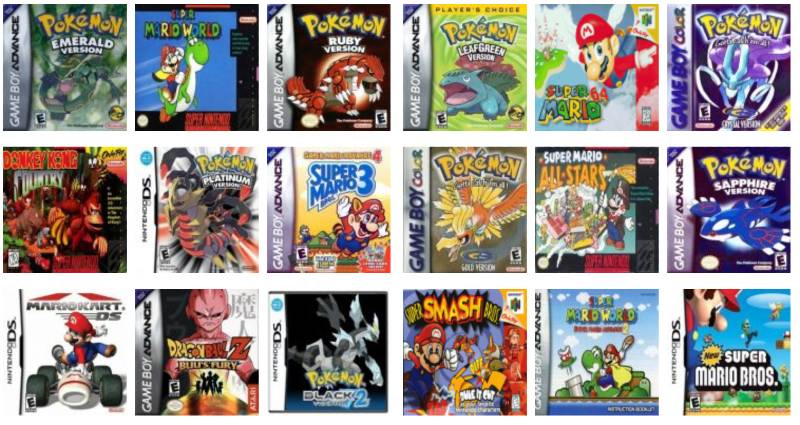
Incredible gameplay, fascinating storyline, user-friendly interface, and a wide array of superb games – all this is about Nintendo – the most legendary gaming console. In the 90th, the choice of gaming consoles was limited. Moreover, not everyone could afford to buy it. Those who had it were fortunate!
Unfortunately, you won’t find a new gaming device today. It is already discontinued. But NES ROMs are still available; you can choose absolutely anyone and immerse yourself in the gameplay at any moment. Retrogaming is still alive due to a wide choice of emulators and ROM files. Nothing but a stable internet connection, a device, and the corresponding programs are needed. However, in some instances, you also can’t do without patching. And in this post, we’ll analyze what “patching” is, and show how to patch Nintendo ROMs.
Patching: What Does It Mean and Why Should You Do This?
ROM files pursue one goal – to enable gamers to play old classic games on modern devices. But in some instances, it’s not all that simple. There are cases when patching is needed. One of the main benefits of patching is the capability to run old-classic games in English that were never released in English. Patching can enhance the game difficulty, rearrange some stages, replace unnecessary dialogs or even create a new game. Simply put, patches customize the original games and make them more intriguing. If you are a professional in the area of game development, you can also develop your patches.
Peculiarities of Manual Patching with Lunar IPS
Some users complain about manual patching; they believe that it’s too time-consuming difficult. But manual patching is easier than you might think. If handled properly, you’ll spend even less than a few minutes. But remember that manual patching is permanent so you need to make sure you have a backup of your ROM file (just in case you need the original version). If you want to make the game more engaging, you need to download the patching utility. In such a scenario, the use of Lunar IPS might be a good idea. It’s a reputable patching utility that you can download for free.
By the way, manual patching has a few benefits. One of them is to zip back your ROM file. When using auto-patching tools, you need to keep your file out of a zip file, and this takes storage space on your computer.
A Guide on How to Patch Nintendo ROMs Manually
Here’s a detailed list of all the steps that you should complete:
- Have a patch on your computer and unzip it.
- Download and install Lunar IPS;
- Open Lunar IPS and click on the button “Apply IPS Patch”.
- After that, you’ll see a new window “Select IPS File to Use”.
- Choose the directory of the folder where you keep your patch. Now, click on the button “Open”.
- You’ll see the “Select File to Patch” window on your screen. Now, you need to find the ROM file that should be patched. Click on it and then choose “Open”.
- If everything is okay, you’ll see a pop-up window “The file was successfully patched”.
That’s all! Now, you can enjoy the gameplay. You’ll see that the game quality is improved.
Lunar IPS is a perfect solution for Windows-based devices. However, if you need to patch Nintendo ROMs on Android, you need to use UniPatcher. Multipatch is the right solution for Mac.
As you can see, patching is straightforward. Just a few minutes, and you’ll change the settings of your ROM file and improve the quality of the chosen retro game.
Discover more from Vietnam Insider
Subscribe to get the latest posts sent to your email.