

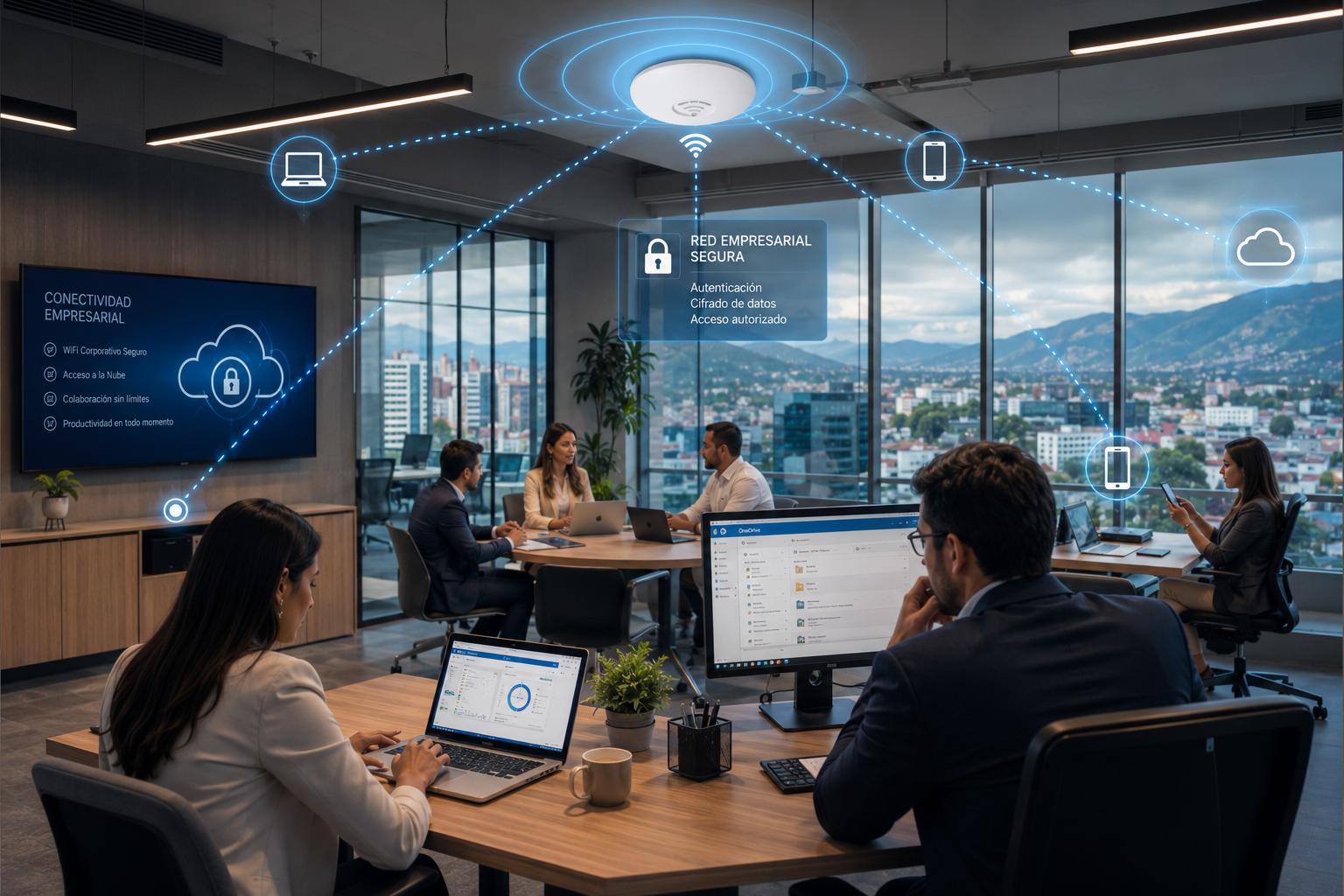
Business WiFi isn’t just to provide internet access to laptops and smartphones; it has become a fundamental part of modern business strategies. Since businesses these days use cloud applications, internal servers, printers, payment systems, collaboration tools, cameras, IoT devices, and other business resources through the internet, it makes perfect sense to make WiFi connections as secure as possible.
A poorly secured WiFi network can provide an entry point into network systems that contain sensitive business information. Therefore, it is necessary that businesses follow security practices related to WiFi to build a more secure WiFi environment while maintaining reliable internet connectivity. So let us look at five of the best WiFi security practices for businesses.
1. Use WPA3 or Strong WPA2 Enterprise Security
The first and foremost step in securing business WiFi is choosing an appropriate wireless security standard. Businesses should not compromise on this and use WPA3 where their infrastructure and devices support it. In case of a compatibility issue, WPA2 with strong encryption also remains a good option. You can learn more here about how you can log into your WiFi router and set WPA3/WPA2 as the security protocol.
For a business environment, WPA3-Enterprise or WPA2-Enterprise can provide stronger access control. The FTC specifically recommends WPA2 or WPA3 for wireless connections. So businesses should avoid obsolete wireless security protocols and secure their WiFi connection instead of relying on an open, unauthenticated WiFi for internal business access.
2. Perform Network Segmentation
Network segmentation is a must-have security practice in a business environment. Employees, guests, and IoT devices generally do not need the same level of network access. Instead of having only a wireless network, businesses should create separate SSIDs and VLANs with appropriate firewalls and access-control policies.
For example, a business could have three different wireless networks, each designed around what each device or user needs to access:
- Corporate WiFi: for Employee computers and managed devices
- Guest WiFi: for Customers, visitors, and contractors
- IoT network: for Cameras, smart displays, sensors, and other IoT devices
It should be kept in mind that any network other than the primary business network should not provide unrestricted access to internal business systems or unrestricted communication with employee workstations.
3. Secure WiFi Administration and Access Points
Businesses should not only protect their WiFi network but also the infrastructure used to operate the WiFi network. Routers, modems, access points, wireless controllers, and other network devices should have unique administrative passwords instead of using the default passwords. Administrative credentials should be provided to authorized people only.
Network management interfaces, such as the ones you can access on http://192.168.0.1, should not be exposed to the public internet. Also, if the infrastructure supports 2FA or multi-factor authentication, it should be used. Moreover, physical access to WiFi infrastructure and access points should be restricted.
4. Have a Robust Firewall
Businesses should always have a firewall in place because a firewall performs the most essential cybersecurity function by filtering incoming and outgoing traffic and preventing suspicious data from passing through the network. Firewalls must be included in every cybersecurity strategy.
Most business WiFi routers come with a built-in firewall, and business owners just need to enable and configure it according to their security strategy to improve network security. Additionally, you can deploy a hardware, software, or cloud-based firewall for an extra layer of protection.
5. Continuous Wireless Monitoring
Configuring WiFi and making it secure is only one part of the process. To avoid any mishaps, businesses should also monitor the wireless environment for unusual activity. The benefit of monitoring is that it helps to identify unexpected access points, unauthorized devices, repeated authentication failures, unusual traffic patterns, repeated connection attempts, and configuration changes.
For larger businesses, having wireless intrusion detection systems can identify suspicious wireless activities on the spot. Monitoring should extend beyond access points and firewall logs; authentication systems, endpoint security platforms, and network management systems should also be monitored if required.
Discover more from Vietnam Insider
Subscribe to get the latest posts sent to your email.